
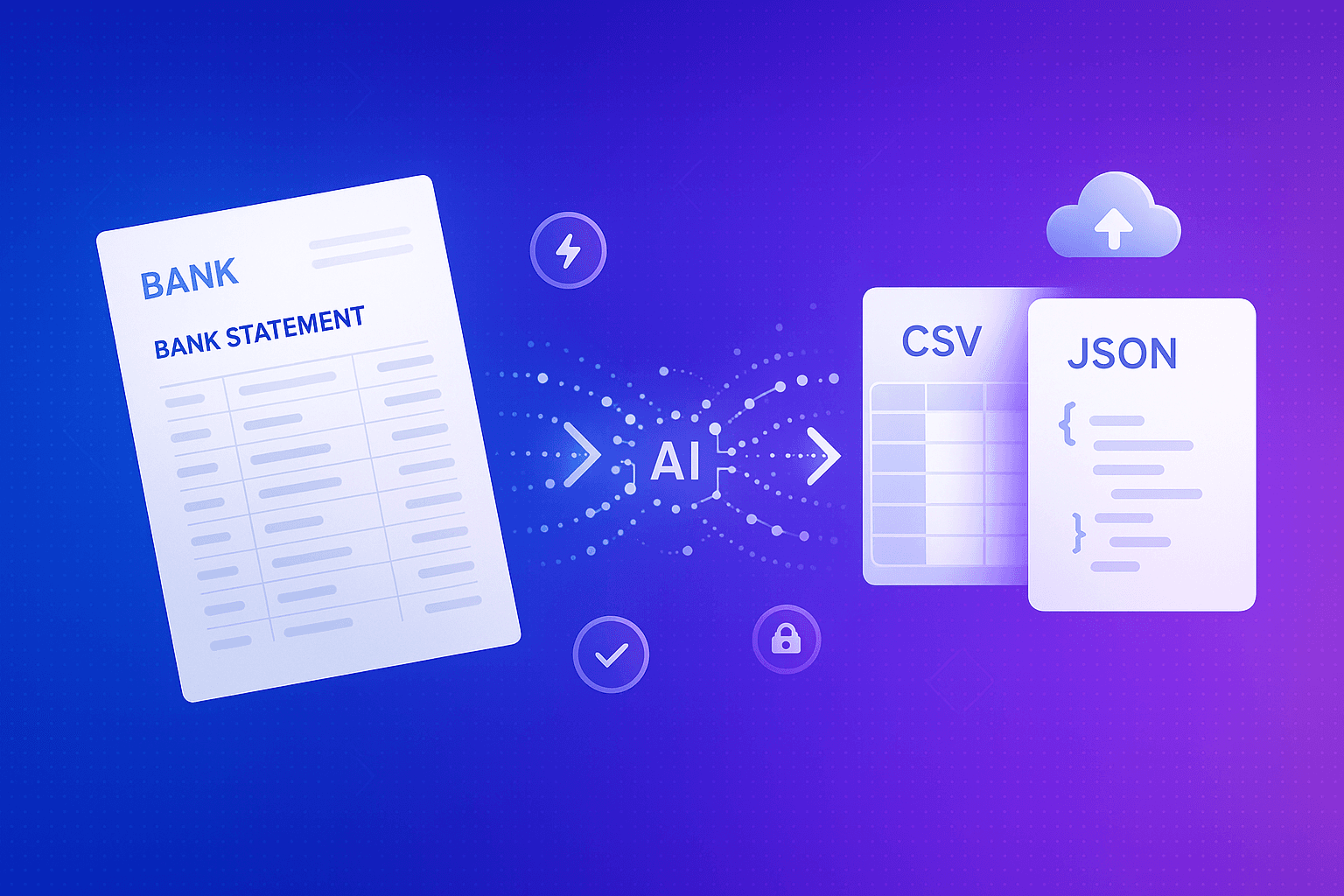
How to Convert Bank Statements to CSV or JSON: A Complete Guide for 2025
Managing financial data has never been more critical for businesses and individuals alike. Whether you're a small business owner tracking expenses, an accountant reconciling multiple accounts, or a financial analyst building reports, converting bank statements into structured data formats like CSV or JSON can save countless hours of manual data entry.
In this comprehensive guide, we'll explore everything you need to know about converting bank statements to digital formats, the benefits of automation, and how modern AI-powered tools are revolutionizing financial data management.
Why Convert Bank Statements to CSV or JSON?
Bank statements typically arrive as PDF documents—a format that's great for human readability but terrible for data analysis. Converting these statements into structured formats like CSV (Comma-Separated Values) or JSON (JavaScript Object Notation) unlocks powerful possibilities for your financial workflow.
The benefits of converting bank statements include:
Time Savings: Manual data entry from bank statements can take hours or even days depending on transaction volume. Automated conversion reduces this to minutes, allowing your team to focus on analysis rather than data input.
Error Reduction: Human data entry is prone to mistakes—transposed numbers, missed transactions, or incorrect categorization. Automated conversion with AI OCR (Optical Character Recognition) maintains accuracy rates above 95%, significantly reducing costly errors in your financial records.
Integration Capabilities: CSV and JSON formats integrate seamlessly with accounting software like QuickBooks, Xero, and FreshBooks, as well as spreadsheet applications, business intelligence tools, and custom financial applications.
Data Analysis: Structured data enables you to perform complex analyses, generate insights, create visualizations, and build automated reports that would be impossible with PDF statements.
Audit Trail: Digital records are easier to search, organize, and maintain for compliance and audit purposes, ensuring you can quickly retrieve specific transactions when needed.
Understanding Bank Statement Formats
Before diving into conversion methods, it's important to understand the formats you're working with and converting to.
Source Format: PDF Bank Statements
Most banks provide statements in PDF format, which can contain:
- Scanned images of paper statements (requiring OCR)
- Digitally generated PDFs with selectable text
- Mixed formats with tables, logos, and various layouts
- Multiple pages with different structures
The challenge with PDFs is that they're designed for presentation, not data extraction. Banks use varied layouts, fonts, and table structures, making standardized extraction difficult without intelligent processing.
Target Format: CSV
CSV is one of the most popular formats for financial data because:
- Universal compatibility with Excel, Google Sheets, and database systems
- Simple structure with rows and columns
- Small file sizes
- Easy to edit and manipulate
- Supported by virtually all accounting and financial software
A typical converted bank statement CSV might include columns like: Date, Description, Amount, Balance, Transaction Type, and Reference Number.
Target Format: JSON
JSON has become increasingly popular for financial data, especially when:
- Integrating with web applications and APIs
- Building custom financial dashboards
- Working with modern programming languages
- Needing hierarchical or nested data structures
JSON allows for more complex data relationships and metadata, making it ideal for sophisticated financial applications and automated workflows.
Traditional Methods vs AI-Powered Conversion
Manual Data Entry
The old-school approach involves opening your bank statement PDF and manually typing each transaction into a spreadsheet or accounting system. This method is:
- Extremely time-consuming
- Prone to human error
- Unsustainable for high transaction volumes
- Costly in terms of labor hours
For a statement with 100 transactions, manual entry could take 2-3 hours. Multiply this across multiple accounts and months, and the productivity drain becomes substantial.
Copy-Paste Methods
Some users attempt to copy tables from PDFs and paste them into spreadsheets. While faster than manual entry, this approach has significant limitations:
- Formatting often breaks during transfer
- Data alignment issues are common
- Doesn't work with scanned statements
- Still requires significant cleanup work
Traditional OCR Software
Basic OCR tools can extract text from scanned statements but often struggle with:
- Complex table structures
- Varied bank statement layouts
- Handwritten notes or stamps
- Maintaining data relationships
AI-Powered Conversion: The Modern Solution
Modern AI-powered tools use machine learning and intelligent OCR to:
Understand Context: AI recognizes what data represents (dates, amounts, descriptions) regardless of position or format variations across different banks.
Handle Variations: Machine learning models train on thousands of bank statement layouts, adapting to different formats automatically without manual template creation.
Maintain Accuracy: Advanced algorithms cross-reference data points, validate totals, and ensure extracted information matches the source document with exceptional precision.
Process at Scale: AI systems can process hundreds of statements simultaneously, converting months or years of financial data in minutes rather than days.
Key Features to Look for in Bank Statement Conversion Tools
When selecting a solution for converting your bank statements, prioritize these essential features:
Multi-Bank Support
Your conversion tool should handle statements from any financial institution without requiring custom configuration. Banks use wildly different formats, so universal compatibility is crucial for businesses managing multiple accounts.
Intelligent Data Recognition
Look for AI that can identify and categorize:
- Transaction dates in various formats
- Positive and negative amounts
- Running balances
- Transaction descriptions and merchant names
- Reference numbers and check numbers
- Transaction types (debit, credit, fee, interest)
Format Flexibility
The best tools offer output in multiple formats including CSV, JSON, Excel (XLSX), and sometimes direct integration with accounting platforms. This flexibility ensures your converted data works with your existing workflow.
Batch Processing
If you're converting multiple months or accounts, batch processing capabilities can save enormous amounts of time. Upload multiple statements and receive organized, converted files for each one.
Data Validation
Quality conversion tools include validation features that:
- Verify that extracted transactions sum to correct totals
- Flag potential errors or anomalies
- Ensure no transactions are missed
- Validate data formats and consistency
Security and Privacy
Financial data is sensitive. Ensure your conversion tool offers:
- Encrypted file transmission
- Secure storage (or better yet, no storage)
- Compliance with financial data regulations
- Clear privacy policies
Step-by-Step: Converting Bank Statements with AI OCR
Here's how the modern conversion process typically works:
Step 1: Upload Your Statement Simply drag and drop your PDF bank statement into the conversion platform. Most tools support batch uploads, allowing you to process multiple statements simultaneously.
Step 2: Automatic Processing The AI OCR engine analyzes your statement, identifying the layout structure, locating transaction tables, and extracting all relevant financial data. This happens in seconds, even for multi-page statements.
Step 3: Data Structuring The extracted information is automatically organized into a structured format, with transactions properly categorized by date, amount, description, and balance.
Step 4: Review and Validation Many platforms offer a preview screen where you can review the extracted data before downloading. This quality check ensures accuracy before importing into your systems.
Step 5: Download or Export Finally, download your converted file in CSV, JSON, or your preferred format. The data is now ready for import into accounting software, spreadsheets, or custom applications.
Best Practices for Bank Statement Conversion
To get the most from your conversion process:
Maintain Original Files: Always keep the original PDF statements as legal records, using converted data for analysis and processing purposes.
Verify Initial Conversions: When first using a conversion tool, carefully verify the output against your source statements to ensure accuracy.
Establish Consistent Workflows: Develop a regular schedule for statement conversion—monthly is ideal for most businesses—to keep financial records current.
Categorize Immediately: After conversion, categorize transactions promptly while they're fresh in memory. Many accounting systems can learn your categorization patterns over time.
Back Up Your Data: Keep secure backups of both original statements and converted data files to prevent loss and ensure audit trail integrity.
Conclusion
Converting bank statements from PDF to CSV or JSON is no longer a tedious manual task. With AI-powered OCR technology, you can transform hours of data entry into minutes of automated processing, enabling you to focus on financial analysis and business growth rather than administrative work.
Whether you're a business owner, accountant, analyst, or financial professional, investing in quality bank statement conversion tools pays dividends through time savings, error reduction, and enhanced financial insight. As financial data management becomes increasingly digital, the ability to quickly and accurately convert bank statements into structured formats will remain an essential capability for effective financial operations.
Ready to eliminate manual data entry from your financial workflow? Modern AI-powered conversion tools make it easier than ever to transform your bank statements into actionable, structured data that drives better business decisions.